Game room
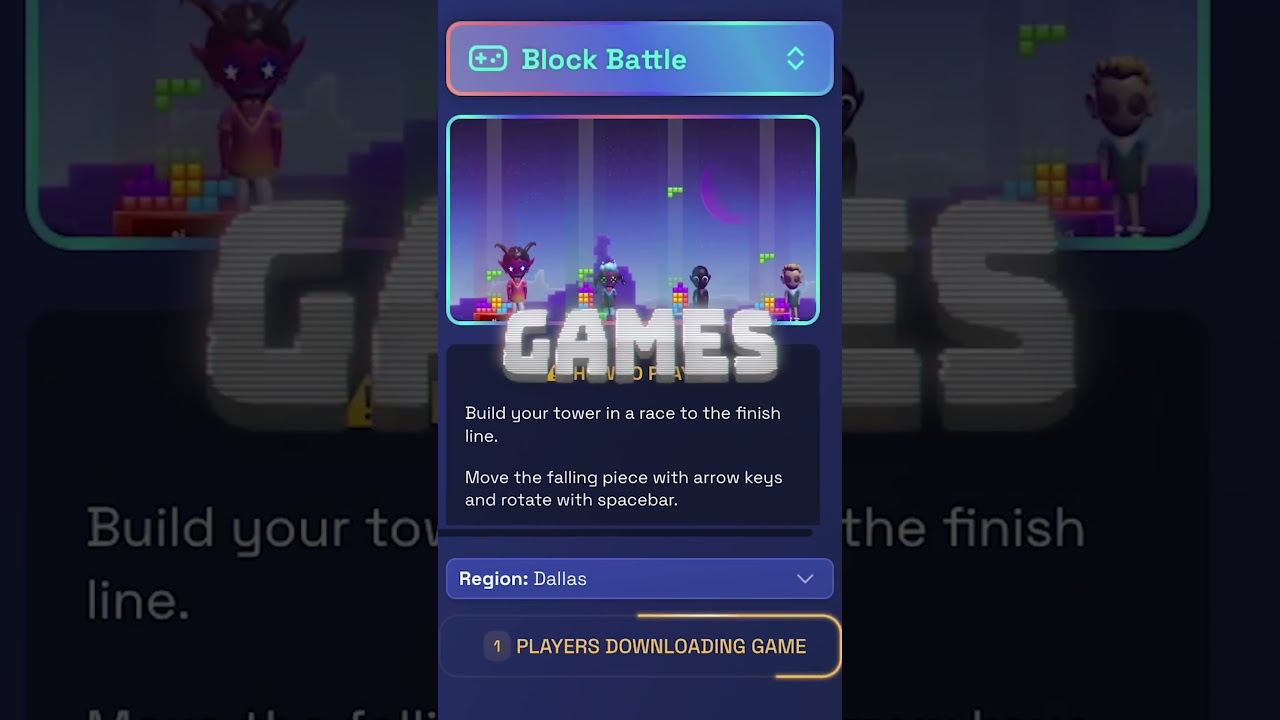
Increase employee engagement, build culture, and ramp newly formed teams with Game Room. Choose from 18 multiplayer titles like Battle Karts and Doodle Up, and view a live leaderboard that shows who’s winning right on the map.
Note: Learn how to edit the floor map to add a Game Room.

How to Play
- Enter a Game Room.
- The first person to join becomes the default host. Any participant can click Claim Host to take over.
- The host chooses a game from the available titles (options vary based on number of people in the room).
- Wait for all participants to download the game.
- Click Start Game.
Note: Enable Tournament mode before the match starts to display a leaderboard on the Floor Map after the game ends.

Troubleshooting Tips
- If more players join than a game’s maximum capacity, the game automatically splits into multiple instances.
- Games are only supported on desktop or laptop computers; they aren’t available in the Roam mobile app.
- Games are unavailable if you have disabled hardware acceleration in Settings > Advanced > Disable Hardware Acceleration.
- If you enter mid‑match, you must wait for the current game to finish before joining—you won’t be able to view an in‑progress match.
- If a player leaves mid‑match and re-enters the game room, they must wait until the match ends to play the game.
- If key presses aren’t registering, click inside the game area and try again.
Guides
All Virtual Office Platform GuidesVirtual Office Platform GuideVideo Conferencing GuideEnterprise Messaging GuideAI Note Taker GuideMeeting Scheduler GuideScreen Recorder GuideVirtual Events GuideAI Assistant for Work GuideVirtual All-Hands GuideUse Cases
AI StartupsCrypto and Web3 TeamsDesign AgenciesEcommerce AgenciesInsurance TeamsMortgage TeamsRemote TeamsExecutive Assistants© 2026 Roam HQ