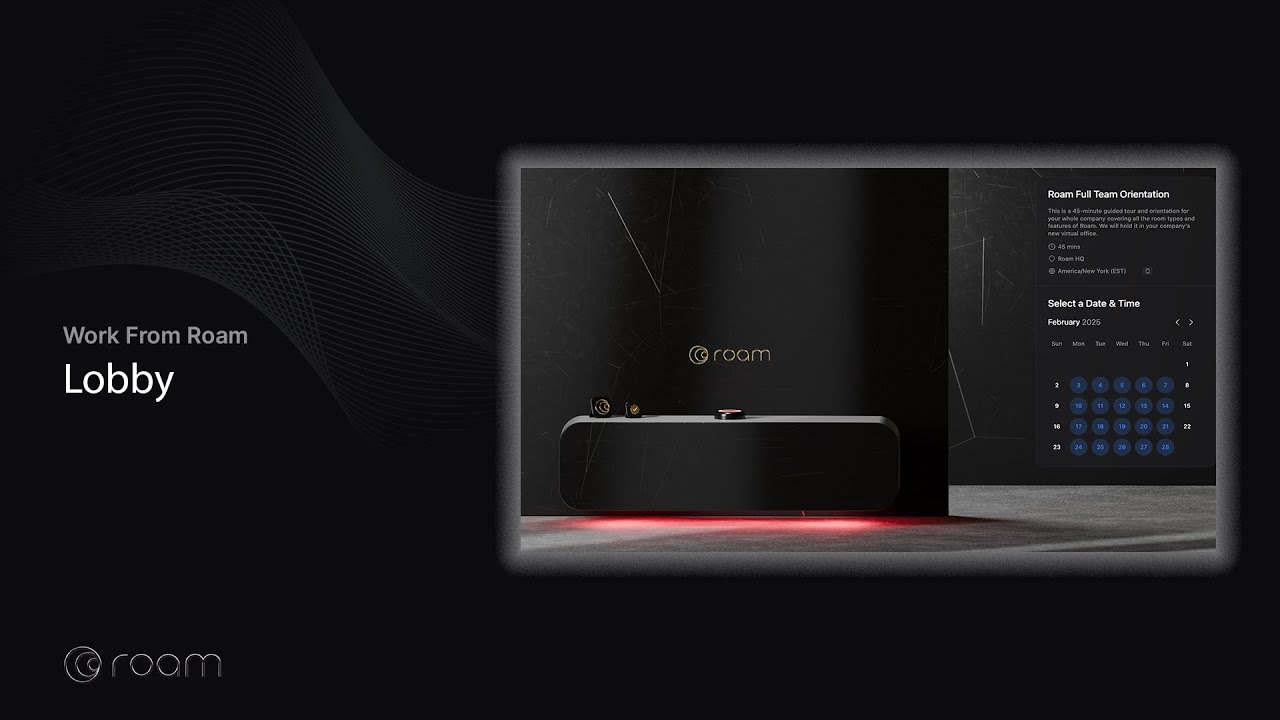
Company lobby links
Roam Members can create company-wide lobby links to allow external guests to book time with multiple team members (e.g., ro.am/wonkaindustries).
Once you’re on the Lobby main page, go to [Company] Links.
You must have a personal lobby link set up before creating a company lobby link.

Round Robin Scheduling
Round Robin allows a single booking link to evenly distribute meetings across your team. It checks multiple calendars to simplify scheduling and ensures a meeting is booked at a time when everyone is available.
Collective Scheduling
Collective Scheduling allows multiple hosts to be assigned to the same event.
Group Scheduling
Group Scheduling allows multiple guests to book the same time slot. Configure the maximum number of guests per time slot, and enable a counter in the calendar event to show how many spots remain. Great for group demos, training sessions, webinars, Theater events, and more!