Live view
Stay connected to your Virtual Office wherever you are.
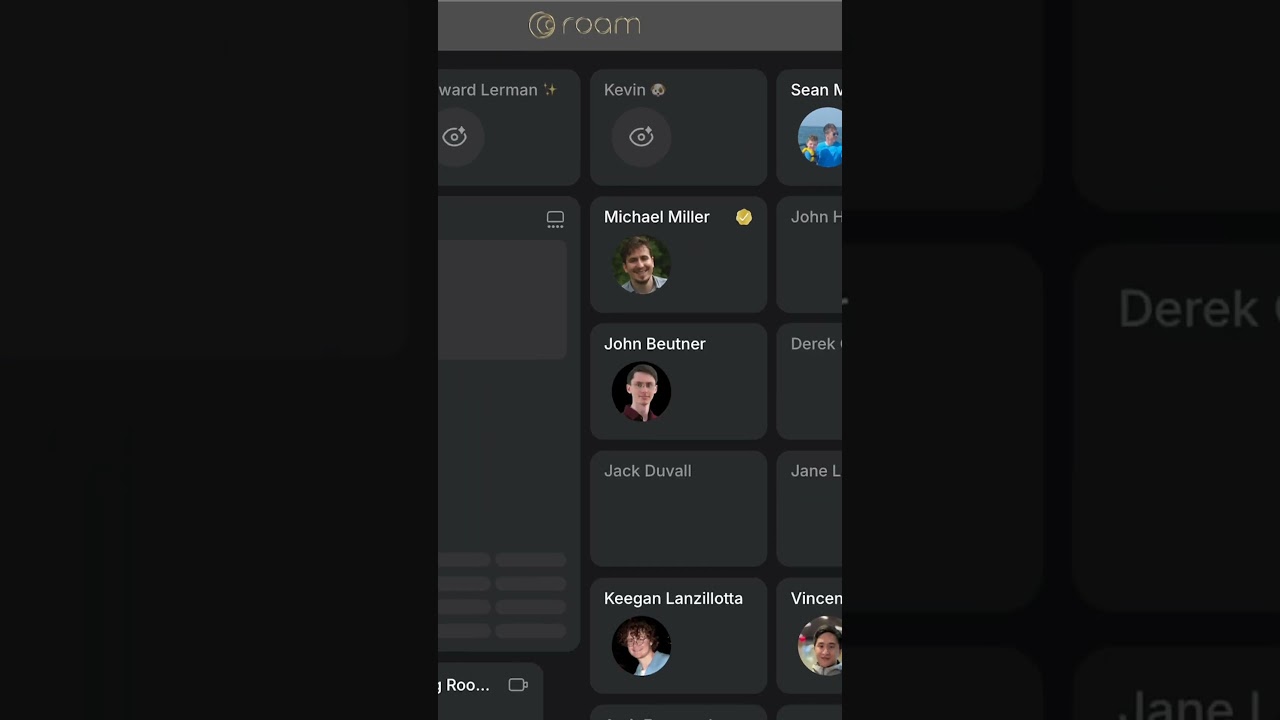
Tap the Live View icon in the iPhone or Android app to activate a real-time view of your HQ right from your phone lock screen.

Live View cuts right to the live action, so you see the buzz on the office map. When someone’s Live View is active, you’ll spot the live view icon on their office, which you can tap to chat with them. It’s your window into what’s happening in Roam, wherever you go.


Live View even works on your Apple Watch or in your car with Apple CarPlay.
Guides
All Virtual Office Platform GuidesVirtual Office Platform GuideVideo Conferencing GuideEnterprise Messaging GuideAI Note Taker GuideMeeting Scheduler GuideScreen Recorder GuideVirtual Events GuideAI Assistant for Work GuideVirtual All-Hands GuideUse Cases
AI StartupsCrypto and Web3 TeamsDesign AgenciesEcommerce AgenciesInsurance TeamsMortgage TeamsRemote TeamsExecutive Assistants© 2026 Roam HQ