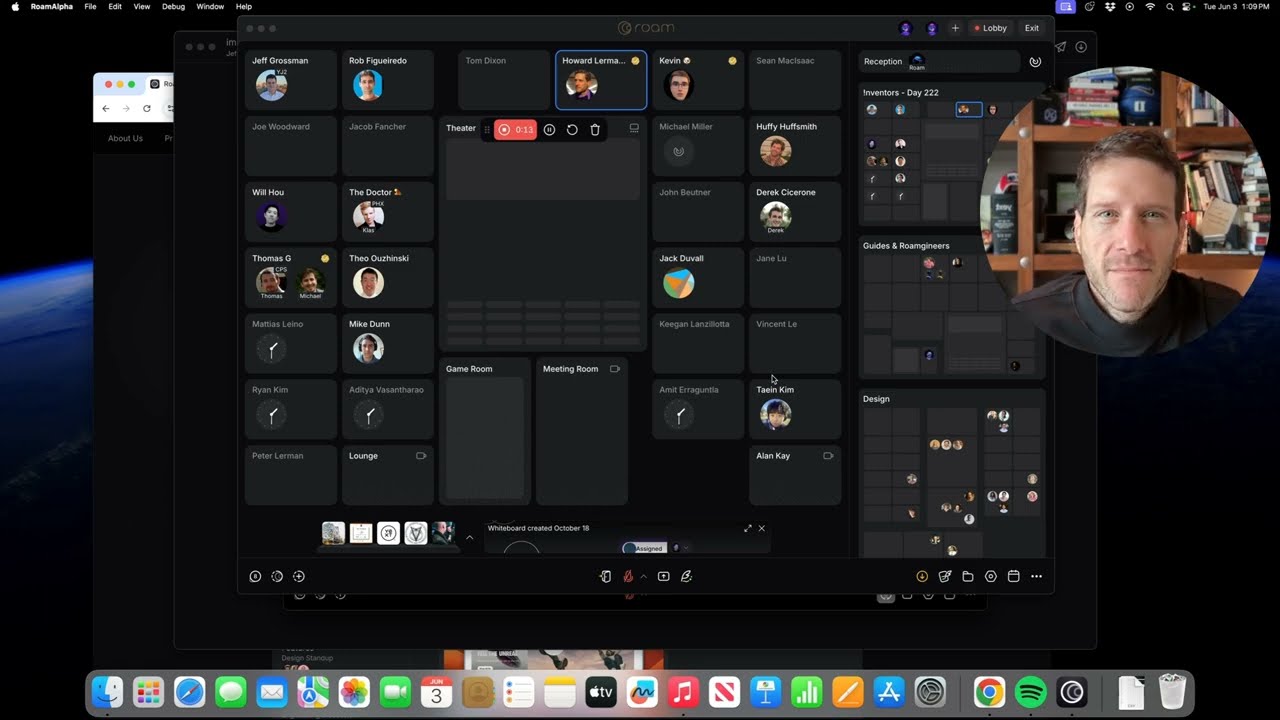
Screen recorder with Magicast
Magicast is Roam’s fully integrated screen recorder. Quickly record your screen, video, and audio to create desktop videos for team updates, product demos, and tutorials. Record Magicasts up to 1 hour and 40 minutes long!

While recording a Magicast from your Private Office, Roam automatically sets you to Do Not Disturb (DND) mode with a Magicast icon.
Your Magicasts are accessible from the Recordings button in the bottom toolbar. Click a Magicast to view it in the dedicated Roam Magicast player or download it as an MP4 video file. The player includes a full transcript, an interactive timeline, and automatically generated chapters that let viewers jump to key sections.
Use Magicast Comments to leave general feedback or comment on a specific moment in the recording. To share externally, click the link icon at the top of the Magicast player to generate a shareable link.
You can also watch a Magicast together in a meeting. Click Share > Share File > Select Your Magicast.
Note: Magicasts can only be created in the Roam desktop app, not in the web or mobile apps.