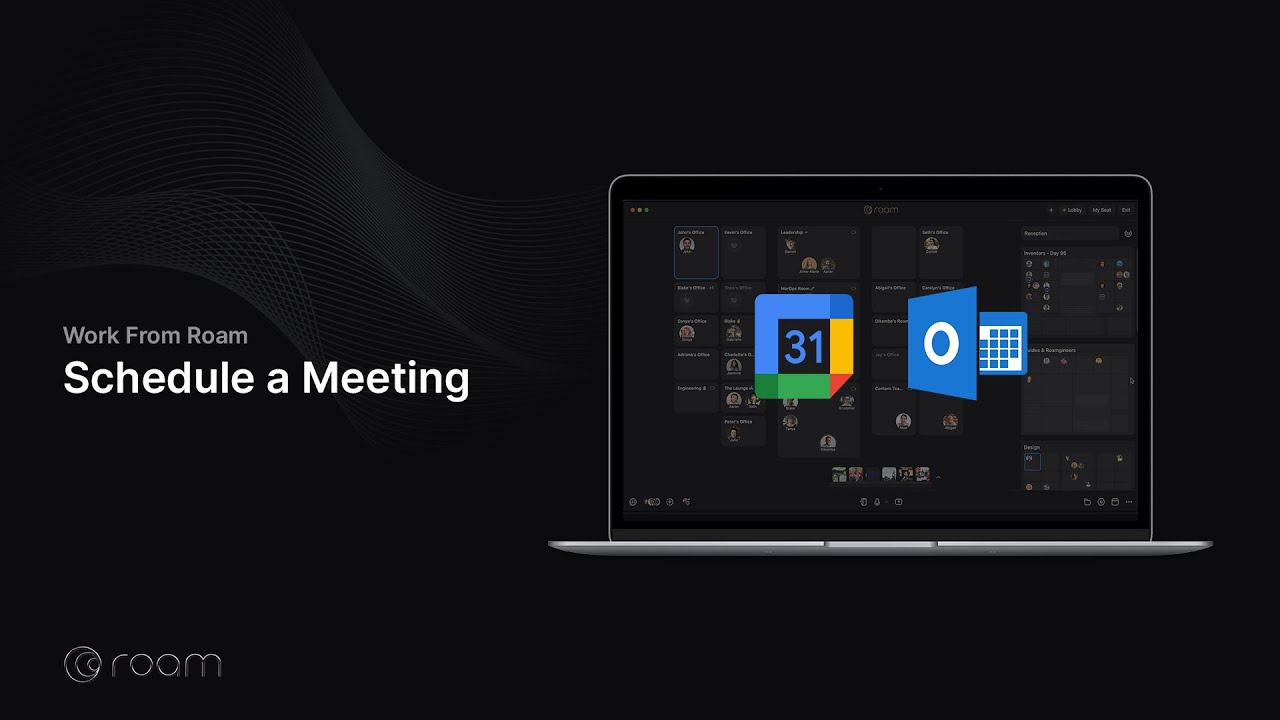
Schedule a Roam meeting from Google Calendar
The Roam Meetings for Google Workspace add-on must be installed. A Google Workspace admin can install it for all members, or individuals can install it for their own Google Calendar.
To schedule a meeting in Roam using Google Calendar:
- Create or modify a calendar event.
- Click “Add video conferencing” and select “Roam Meeting” from the dropdown.
- Add attendees as guests.
This creates and adds a unique meeting link to the calendar event. In the Roam meeting options, you can set the access level and enable Participants Start with Microphone Muted so everyone joins muted by default. See Creating & using meeting links for more information about how meeting links work for guests.

Automatically File the Meeting in Folders
- Create or open a calendar event with Roam Meeting added as its video conferencing option.
- Click the Roam icon on the far right of the event page to open the meeting options.
- Under Default Folders, check the folders you want to use. Folder selections save automatically.
- Save the calendar event.
Selecting a default folder automatically starts Magic Minutes when the meeting takes place and files the meeting in every selected folder. Everyone in those folders can access the resulting meeting. Magic Minutes does not include video recording.
See automatic meeting filing for changing selections and using rules alongside default folders.
Note: Calendar events created before March 12, 2025 may not include dial-in instructions. To add them, remove and re-add Roam Video Conferencing to the calendar event.